Best Travel Apps and Digital Tools to Set Up Before an International Trip
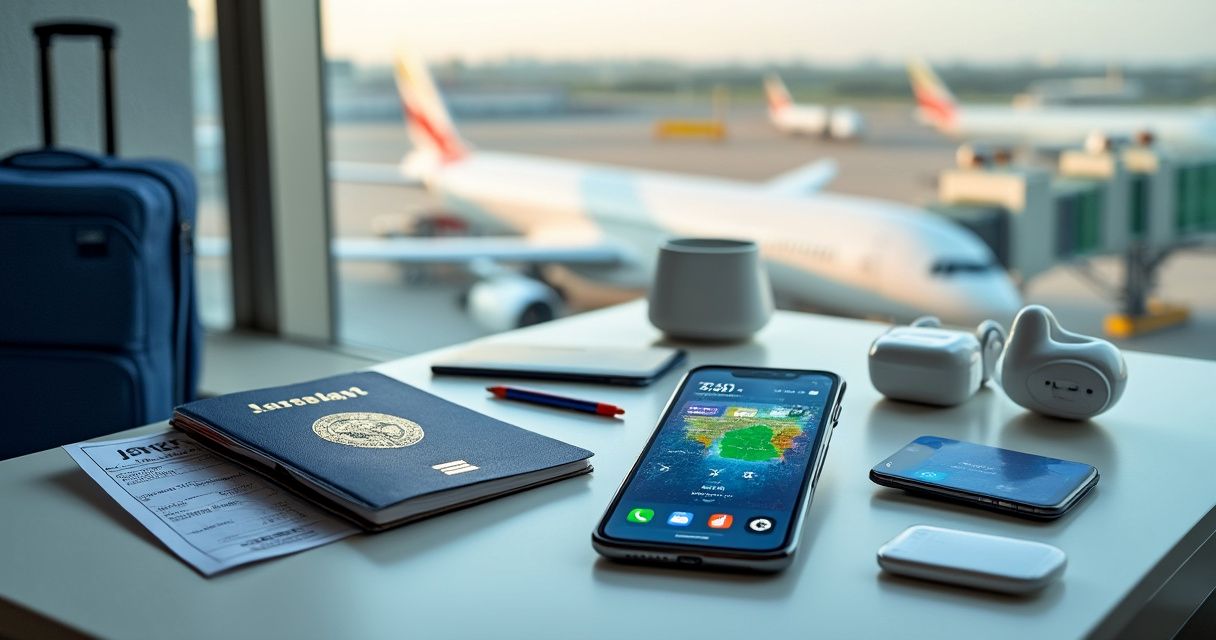
A modern international trip starts long before you reach the airport. Flights, hotel bookings, boarding passes, maps, translations, money transfers and local transport now live on your phone. That makes the right apps just as important as your passport or luggage.
The problem is that downloading everything at the last minute usually leads to forgotten passwords, missing offline maps and expensive roaming. A better approach is to prepare a small digital travel kit before departure.
Here are the apps and mobile tools worth setting up before your next international trip.
1. Offline maps should be your first download
Navigation is one of the biggest reasons travelers need mobile data abroad, but you should not depend entirely on a live connection.
Google Maps and several alternative navigation apps let you download areas for offline use. This is useful when you arrive in a country with weak reception, lose service on a rural road or simply want to reduce data usage.
Before leaving home, download:
-
The city where you are staying.
-
The route from the airport to your accommodation.
-
Any national parks or rural areas on your itinerary.
-
Important saved locations such as hotels, train stations and attractions.
Offline maps will not always include live traffic or current public transport data, but they provide a valuable backup when your connection disappears.
2. Install a translation app with offline languages
A translation app can turn an intimidating trip into a much easier one.
Apps such as Google Translate and Apple Translate handle text, speech and, in some cases, live camera translation. Pointing your phone at a menu, train sign or product label can save a surprising amount of time.
The key is downloading the relevant language before you travel.
That way, basic translation still works if you have no internet connection.
For countries where English is not widely spoken, keep several common phrases saved as well. Hotel addresses, dietary requirements and transportation questions are particularly useful.
3. Set up mobile data before you land
Travel apps become much less useful when you cannot connect to the internet.
International roaming from a US carrier is convenient, but daily fees can become expensive on longer trips. Buying a physical local SIM is another option, though it often means finding a store after arrival and changing cards.
Travel eSIMs provide a third option. If your phone supports eSIM, you can install a data plan digitally before departure.
Holafly, for example, offers a global eSIM for international travel that can be set up on a compatible device before a multi-country trip. This can be useful for travelers crossing several borders who do not want to buy a separate physical SIM in every destination.
Your normal US SIM can remain in the phone while the travel eSIM handles mobile data, depending on your device and settings.
Always check compatibility, coverage and the plan conditions before purchasing.
4. Download airline apps before travel day
Airline apps are worth installing even if you normally prefer using email.
They can provide:
-
Mobile boarding passes.
-
Gate changes.
-
Flight delay notifications.
-
Baggage tracking.
-
Seat information.
-
Rebooking options.
If your flight is disrupted, the app may update faster than airport screens or email alerts.
Log in before departure and make sure your reservation appears correctly. It is much easier to reset a password at home than while standing in an airport security line.
You should still keep a screenshot of your boarding pass as a backup.
5. Use one app to organize your itinerary
Longer trips quickly become difficult to manage when flight confirmations, hotel reservations and train tickets are spread across multiple inboxes.
Travel organizer apps can combine these details into one itinerary.
Even without a dedicated travel planner, you can create a simple folder in your email or cloud storage containing:
-
Flight bookings.
-
Hotel confirmations.
-
Rental car details.
-
Train tickets.
-
Travel insurance.
-
Activity reservations.
Save essential documents locally as well. You do not want an important booking trapped behind an internet connection that happens to be unavailable.
6. Prepare payment apps and cards
Mobile wallets are increasingly useful abroad.
Apple Pay and Google Wallet work in many countries, allowing you to pay without repeatedly taking out a physical card. They also reduce the need to carry large amounts of cash.
Before departure:
-
Add your main travel card.
-
Add a backup card from a different issuer if possible.
-
Confirm that both work in your mobile wallet.
-
Check international transaction fees.
-
Make sure you know your card PIN.
Some destinations still rely heavily on cash, so do not assume a phone can replace every payment method.
A mix of digital payments, physical cards and a small amount of local currency is usually safest.
7. Install the transport apps used at your destination
Uber is widely available, but it is not universal.
Many countries and cities use their own ride-hailing, taxi, rail or public transport apps. Installing these before arrival can save time at the airport.
Research which services are commonly used at your destination.
Depending on the country, you may need:
-
A ride-hailing app.
-
A metro or train app.
-
A local bike or scooter app.
-
A long-distance bus booking app.
Create your account in advance when possible. Some services require phone verification, which can become more complicated once you are already abroad.
8. Keep a weather app ready
Weather affects much more than your clothing.
A storm can cancel a ferry, close a mountain road or disrupt a flight. In hot destinations, temperature alerts can change the safest time for hiking or sightseeing.
Add all major stops on your itinerary to your weather app before departure.
For outdoor trips, consider using a more detailed forecast tool that shows rainfall, wind and hourly temperatures rather than only the daily high.
9. Download entertainment for offline use
Long flights and train journeys are easier when you are not dependent on onboard Wi-Fi.
Streaming services such as Netflix, Spotify, YouTube Premium and podcast apps often allow offline downloads.
Do this at home on Wi-Fi.
A few downloaded films, playlists and podcasts can also help during delays or long airport transfers.
Remember that downloaded content sometimes expires, so check it shortly before departure.
10. Protect your phone before leaving home
A smartphone containing your tickets, bank cards and travel documents is valuable in more ways than one.
Before traveling:
-
Enable Face ID, fingerprint recognition or a strong PIN.
-
Turn on Find My iPhone or the Android equivalent.
-
Back up your device.
-
Enable two-factor authentication.
-
Save emergency contact information.
-
Keep your phone’s serial number or IMEI somewhere separate.
You should also know how to remotely lock the device if it disappears.
Avoid changing important account security settings while abroad unless necessary. Complete updates and password resets before departure.
11. Carry a power bank and the right charging setup
Apps only help while the phone has power.
A compact power bank is useful on sightseeing days, long flights and road trips. Also check whether your destination uses the same wall plug and voltage as the United States.
A small multi-port charger can reduce the number of adapters needed if you travel with a phone, smartwatch, headphones and other devices.
Keep charging equipment in your carry-on rather than checked baggage whenever possible, and follow airline rules for lithium batteries.
12. Test everything before you leave
The final step is simple but often ignored.
Put your phone into airplane mode with Wi-Fi turned off and test what remains accessible.
Can you open:
-
Your hotel address?
-
Offline maps?
-
Flight information?
-
Travel insurance details?
-
Important reservation numbers?
This quick test reveals which information still depends on the internet.
Then reconnect and check your travel data setup, mobile wallet and important apps one last time.
Frequently asked questions
Do I need mobile data if I download offline maps?
It is possible to travel with mostly offline tools, but mobile data is useful for real-time directions, ride-hailing, bookings, messages and schedule changes.
Should I buy an eSIM before departure?
If your phone is compatible, setting one up before leaving can be convenient. Check when the plan activates, because activation rules differ between providers.
Can I keep my US phone number while using a travel eSIM?
On many Dual SIM smartphones, yes. Your home line can remain installed while the eSIM is used for data.
What are the most important apps for international travel?
Maps, translation, airline, payment and transport apps usually provide the most practical value. The exact mix depends on the destination.
Should I store travel documents on my phone?
Yes, but keep a backup. Save essential documents locally and consider carrying printed copies of particularly important information.
The bottom line
The best travel apps are not the ones you download after a problem starts. They are the ones already configured when you land.
Prepare offline maps, translation, payments, transport and connectivity before leaving home. Add backups for tickets and documents, secure your device and make sure you can charge it throughout the day.
With that digital setup complete, your phone becomes a useful travel tool rather than another problem to solve after arrival.