Best AI Tools to Format Voice recordings
19 AI tools ranked
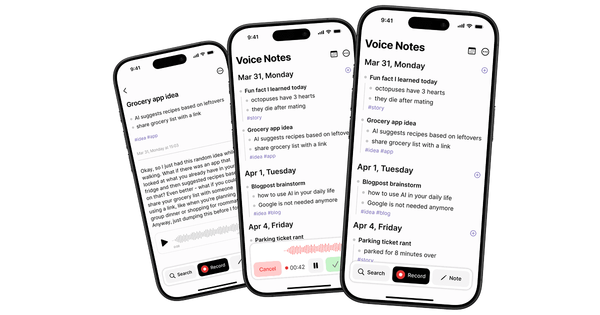
Sluqe is an AI-powered voice note and conversation platform that captures spoken thoughts through one-tap recording, delivers accurate transcription with speaker diarization, and automatically transforms recordings into organized, searchable insights. It goes beyond basic transcription by extracting key takeaways, decisions, ...

Deepgram is a leading enterprise Voice AI platform that offers advanced Speech-to-Text (STT), Text-to-Speech (TTS), and unified Voice Agent APIs. It specializes in high-accuracy, low-latency transcription of spoken language and full voice intelligence capabilities for both real-time streaming and batch ...


Supernormal is an AI-powered desktop application (available for Mac and Windows) designed to capture meeting audio and transform discussions into structured notes, summaries, action items, and—most notably—ready-to-use client deliverables. It operates as a bot-free tool that runs quietly in the ...

Aqua Voice is a voice-native AI-powered text editor and dictation tool available for Mac and Windows that transforms spoken language into polished, editable documents in real time. Users hold an activation key (default: Space bar or customizable hotkey) and speak ...
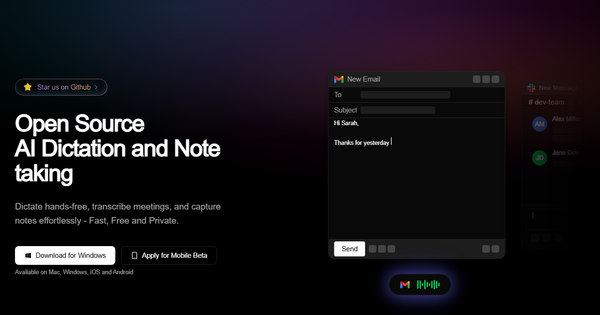
Amical is an open-source, local-first AI-powered desktop application for hands-free dictation, meeting transcription, and structured note-taking. It uses speech-to-text powered by models like Whisper combined with LLMs to convert voice into intelligently formatted text, adapting automatically to the active application—such ...


Heynds is an AI-powered desktop application that serves as a writing and speech assistant, enabling users to dictate spoken words directly into polished, formatted text while also offering advanced AI refactoring capabilities—all within any open application on their computer. It ...

Wispr Flow is an AI-powered voice dictation tool that transforms natural spoken words into polished, formatted text instantly and directly within any application on supported devices. Unlike traditional speech-to-text tools confined to specific editors, it functions as a universal layer ...
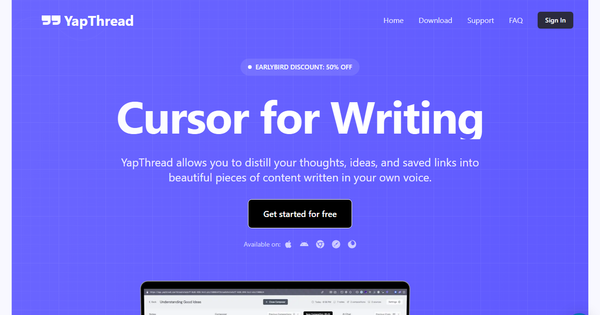
YapThread is an AI-powered "second brain" app that captures spoken thoughts via voice recordings ("yaps"), automatically transcribes them with high accuracy, organizes them into thematic "Threads," integrates external sources like links, web clips, and images, and uses AI to refine ...

Koolio is an AI-powered audio creation platform designed to transform simple inputs—such as a text prompt, uploaded document, link, or audio recording—into fully polished, professional audio content like podcasts, digital ads, or internal team broadcasts. It handles the entire production ...

Vscoped is an AI-powered transcribing service that converts audio and video files into accurate text transcripts in minutes, while also supporting translation, speaker identification, insight extraction via Chat AI, and export of videos with embedded (hardcoded) subtitles. Its primary use ...
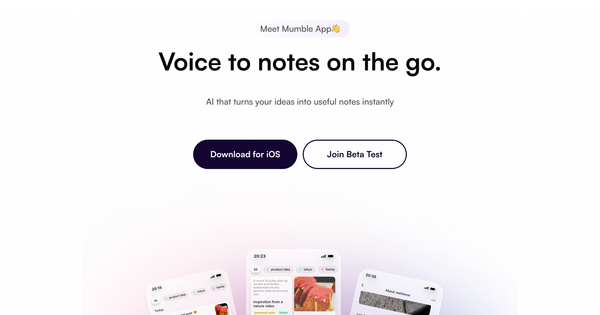
Mumble Note is an AI-powered voice notetaking app primarily for iOS (with full Apple Watch support) that captures spoken words—whether ideas, meeting discussions, tasks, or lectures—and instantly transforms them into clean, structured, actionable notes. Using advanced AI, it handles transcription, ...
Updaytr is a voice-based AI platform that lets users capture information through simple phone calls, automatically transcribing, organizing, and delivering it as structured reports via email on customizable schedules. It eliminates manual note-taking by turning natural spoken conversations into professional, ...
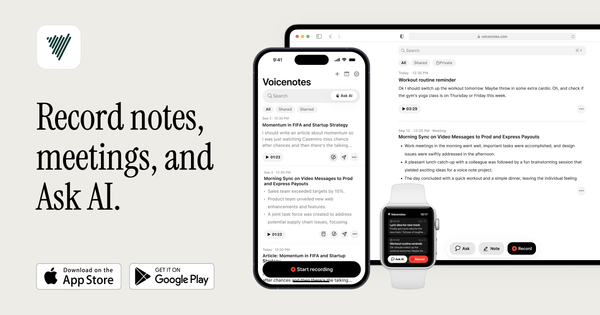
Voicenotes (https://voicenotes.com/) is an AI-powered voice recording and note-taking app that transcribes spoken input into searchable text, analyzes content with AI, and transforms notes into various formats like summaries, to-do lists, blogs, or emails. It functions as a "second brain" ...
Willow Voice is an AI-powered voice dictation application that transforms spoken words into polished, well-formatted text directly in any application on Mac, Windows, and iOS. Users activate it with a simple hotkey (typically holding the Function/fn key), speak naturally, and ...